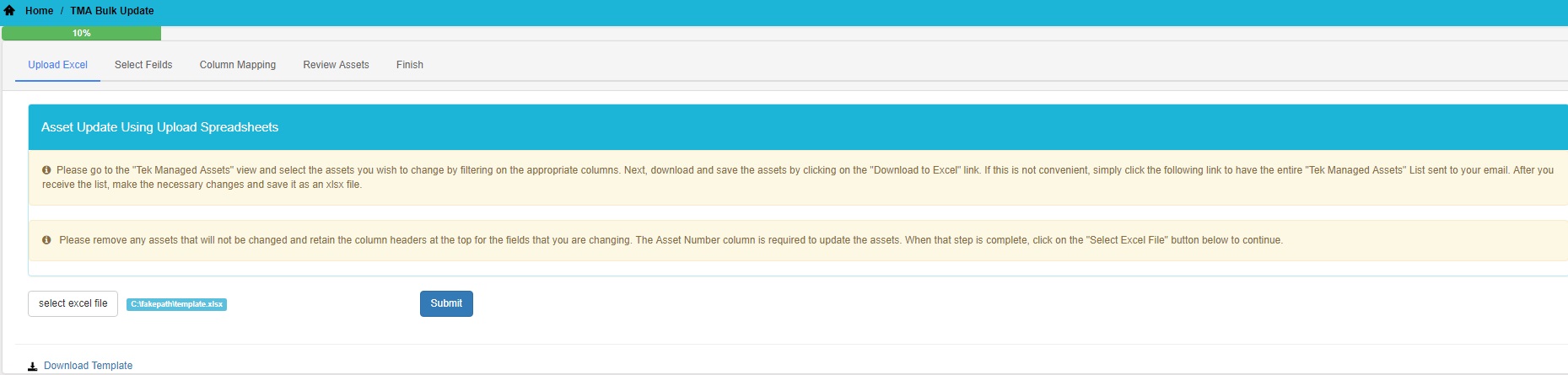
The Asset Update Using Upload Spreadsheets will allow the user to update a group of assets by uploading an excel spreadsheet. In order to access this feature, click on the Asset Update Using Upload Spreadsheets tile in the 'Bulk Upload' menu.
A template can be used by clicking on the Download Template link on the Asset Update view or by emailing the asset list and making the changes in the .xlsx file. After the changes have been made, click on the Select Excel File to upload the file and then Submit.
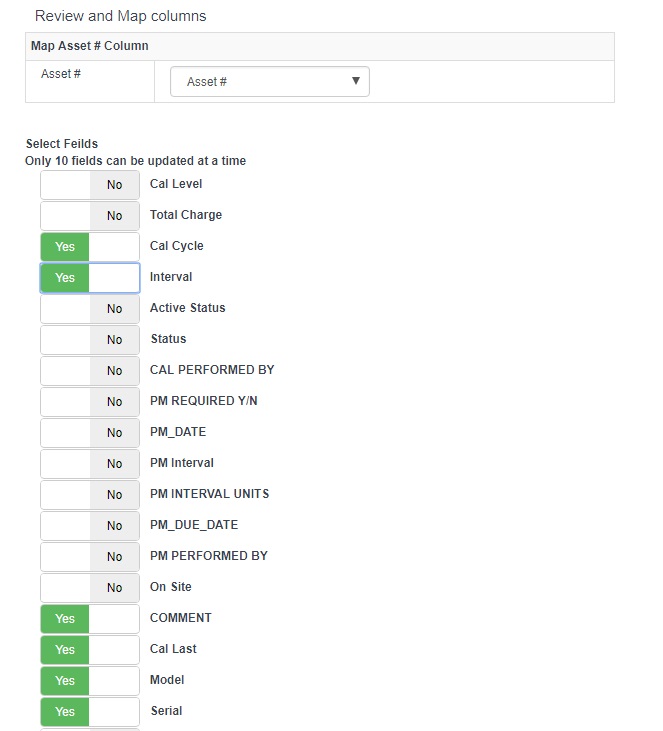
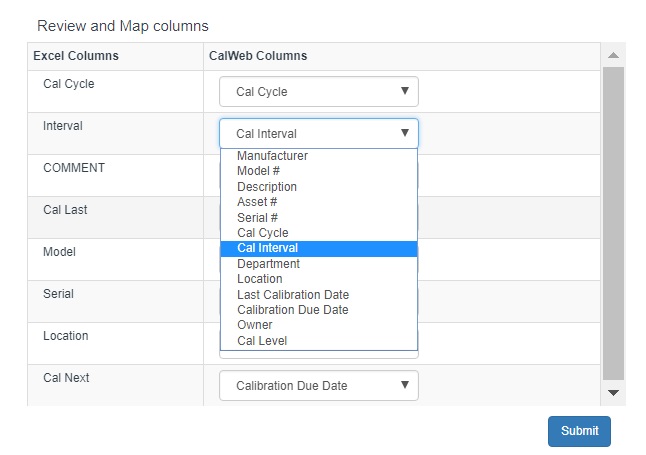
After uploading the spreadsheet, select the columns that you would like to update by toggling the button to 'Yes' and clicking Submit. Next, map the excel fields to the CalWeb columns and then click Submit.
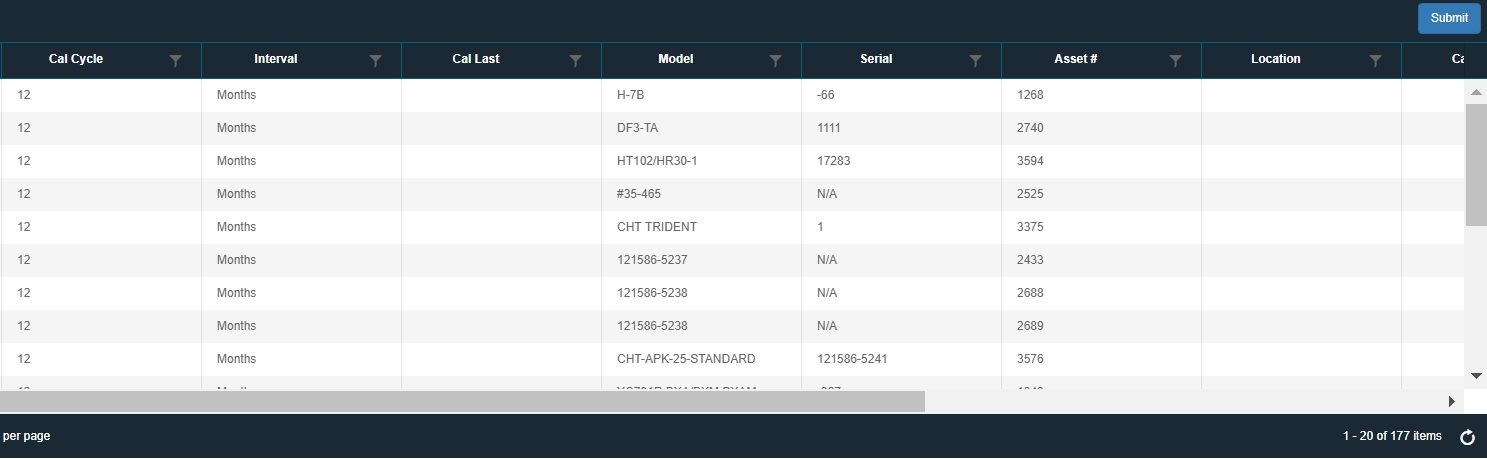
After the list has been reviewed, any errors will be displayed in the result list. Once the list has been reviewed, click Submit to perform the final step to update the data.