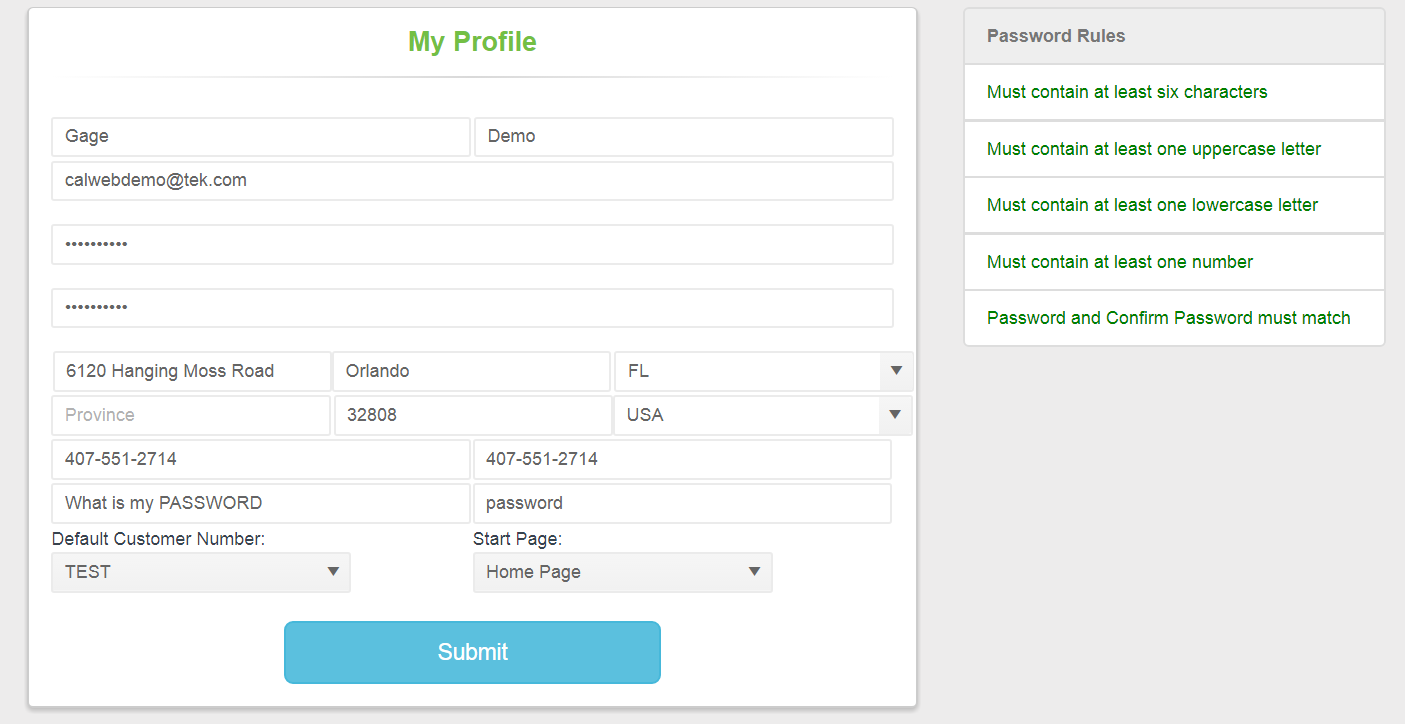
The Manage User Account feature enables the user to make changes to CalWeb account information such as the Name, Email, Company Address, Password, Start Page and Default Customer Number.
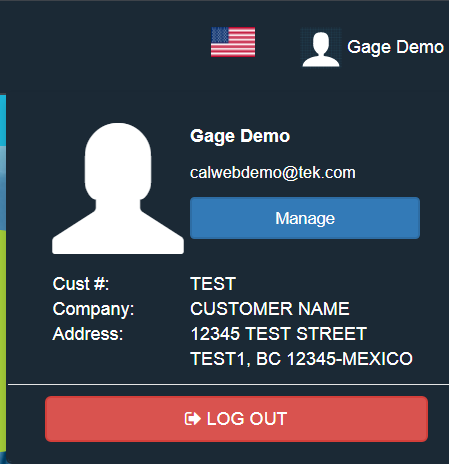
In order to access the Manage User Account feature from the CalWeb menu, click on the user name in the upper right-hand corner and then the 'Manage' button.
Enter the new information in the proper fields, then click on the 'Submit' button to save the changes.